Issues and updates
Open issue and pending update counts, split by severity and risk, one click from the full lists.

350+ hard pass/fail checks across your code and your site, correlated with the third-party tools you already use. Seeing every signal together catches issues a single tool would miss, and regressions before your users notice.
It's all there the moment the app opens: current health, what changed since the last scan, and what needs fixing first. Every tool you've connected feeds in right alongside it. No dashboards to stitch together.
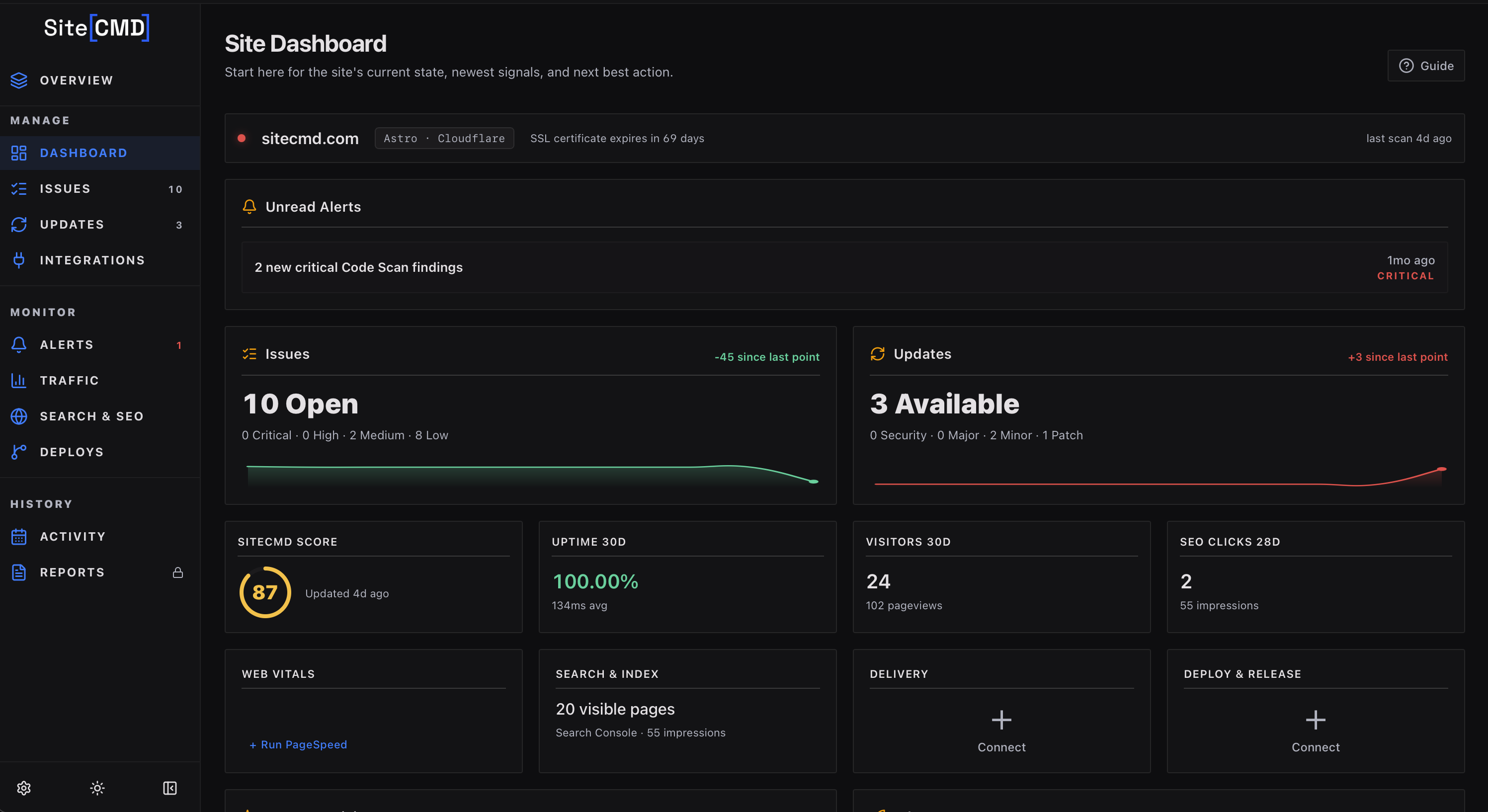
Open issue and pending update counts, split by severity and risk, one click from the full lists.
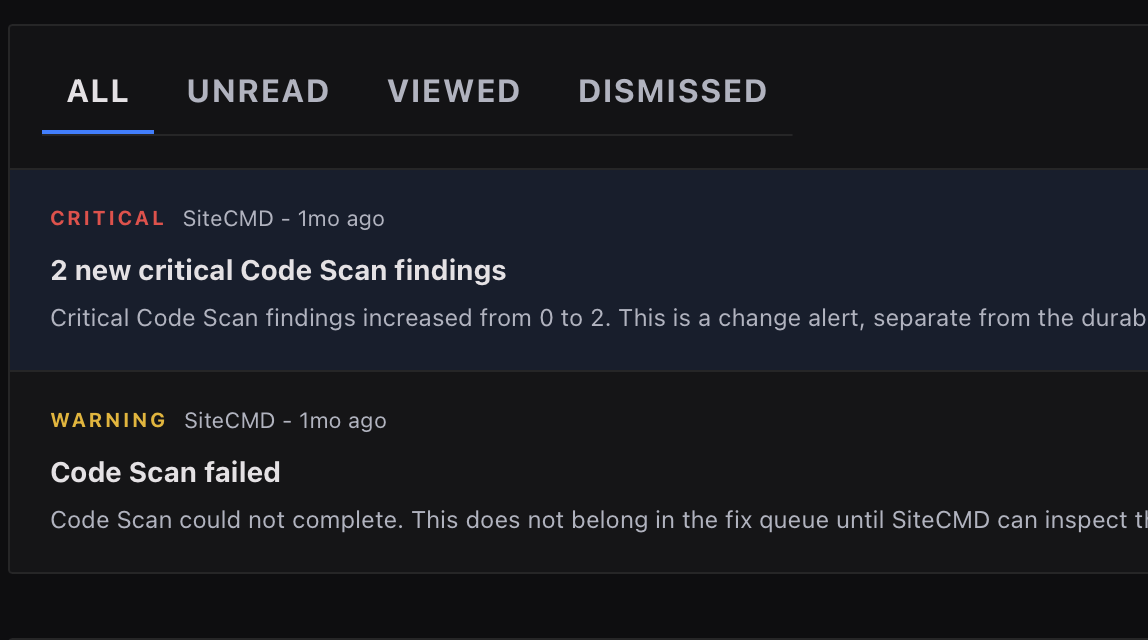
Background scans push notifications when something changes. Every alert opens into a full dossier.
The issue and update cards carry their own trend lines. See what's improved and what's slipped since your last scan.
The dashboard is the overview. These are the close-ups. Purpose-built views for traffic, search, deploys, and alerts, each with context that raw integration data can't give you on its own.
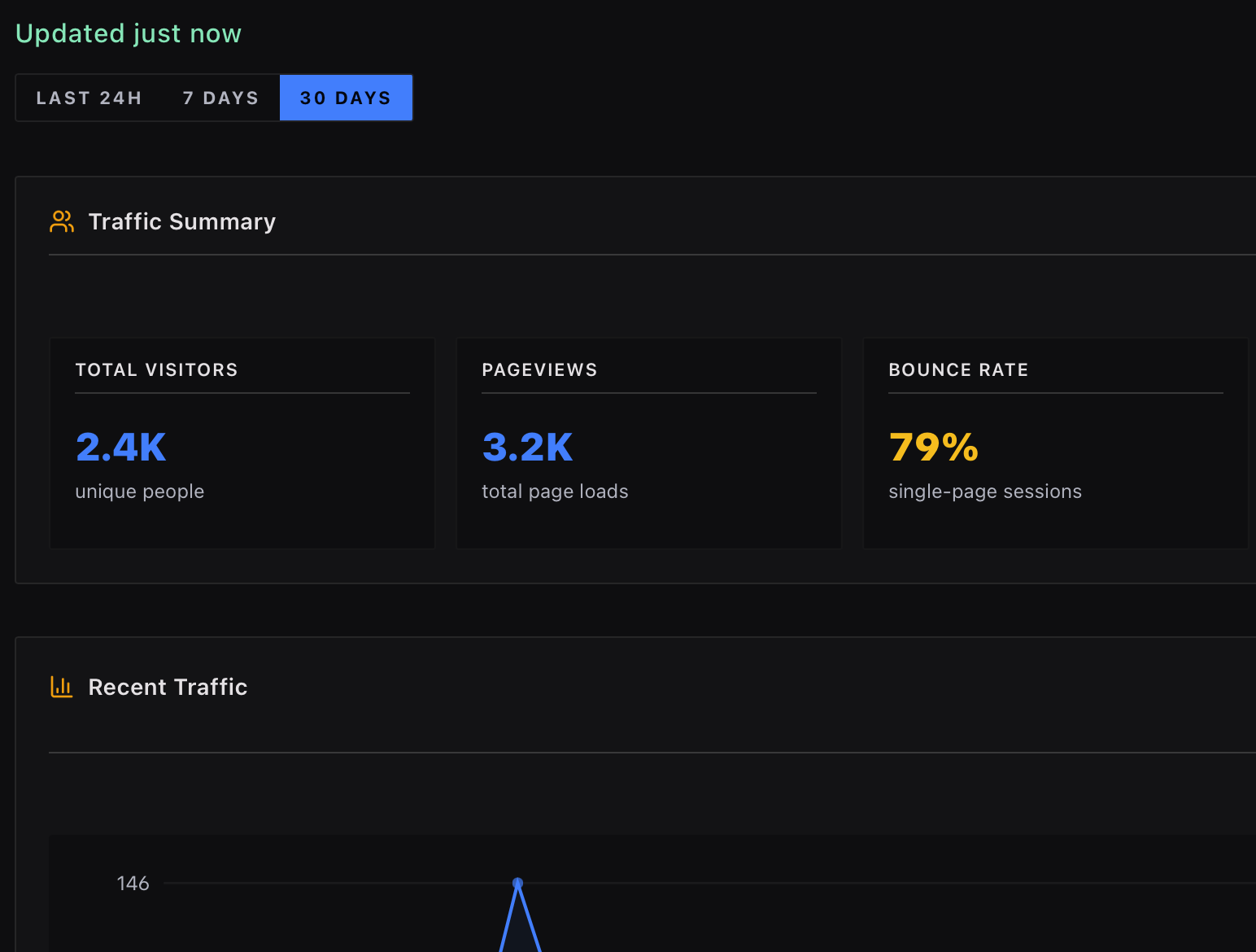
GA4, Plausible, uptime, and CDN data lined up next to your scan health, so you can see usage and stability together.
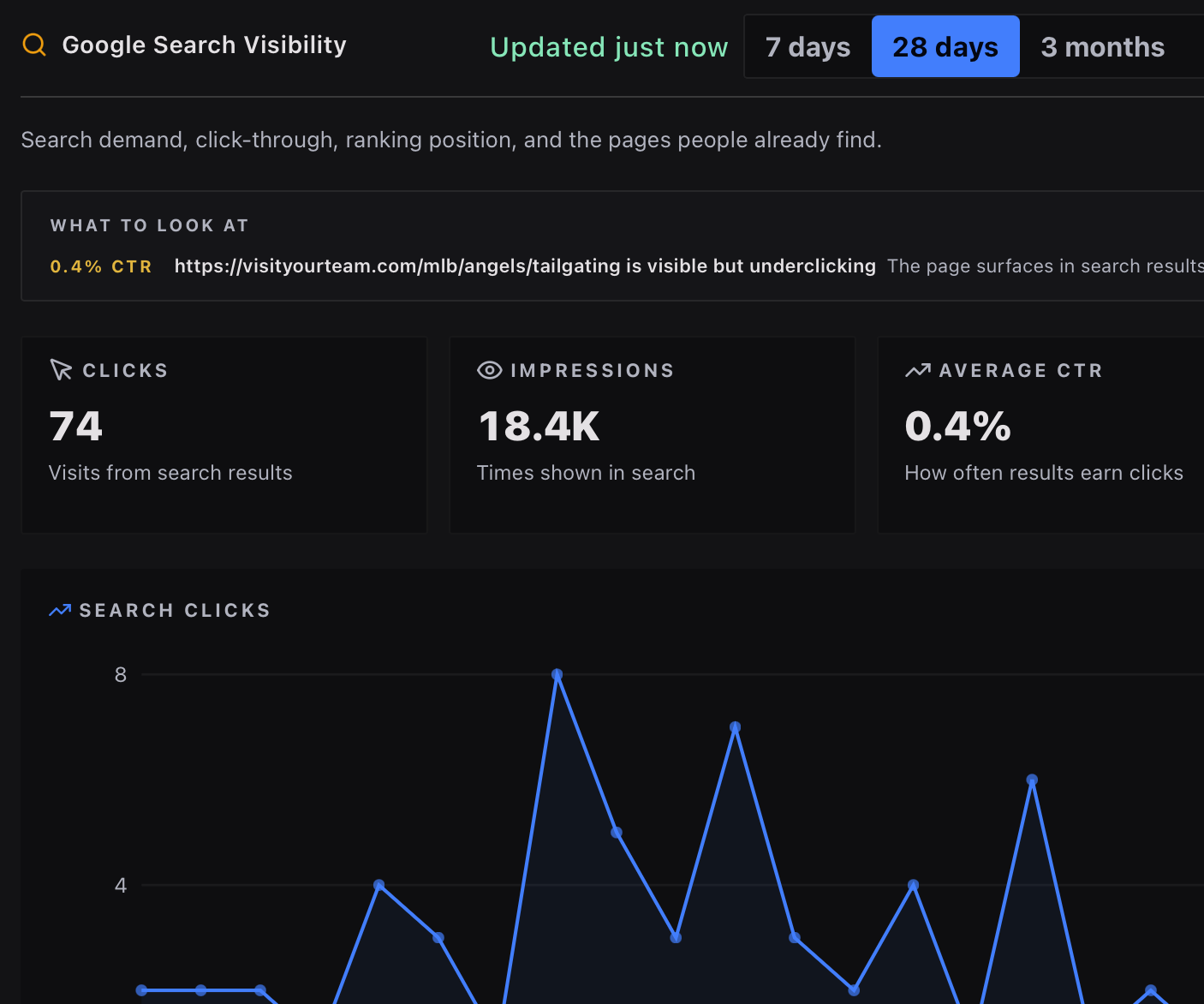
Clicks, impressions, ranking shifts, and indexability, with alerts when any of them slip.
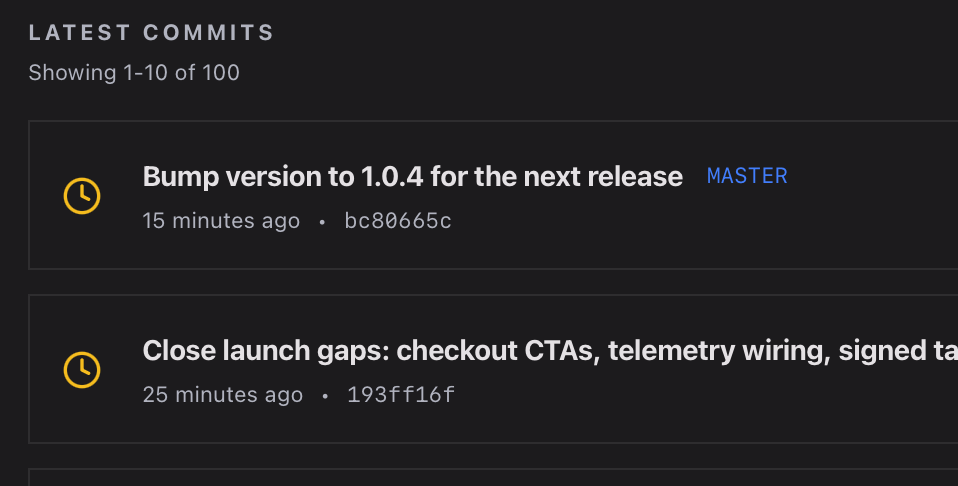
Recent GitHub Actions runs, release status, and deploy-correlated regressions in one timeline.
Real-time notifications when something breaks: uptime drops, new threats, ranking slides, and anomalies across every connected source.
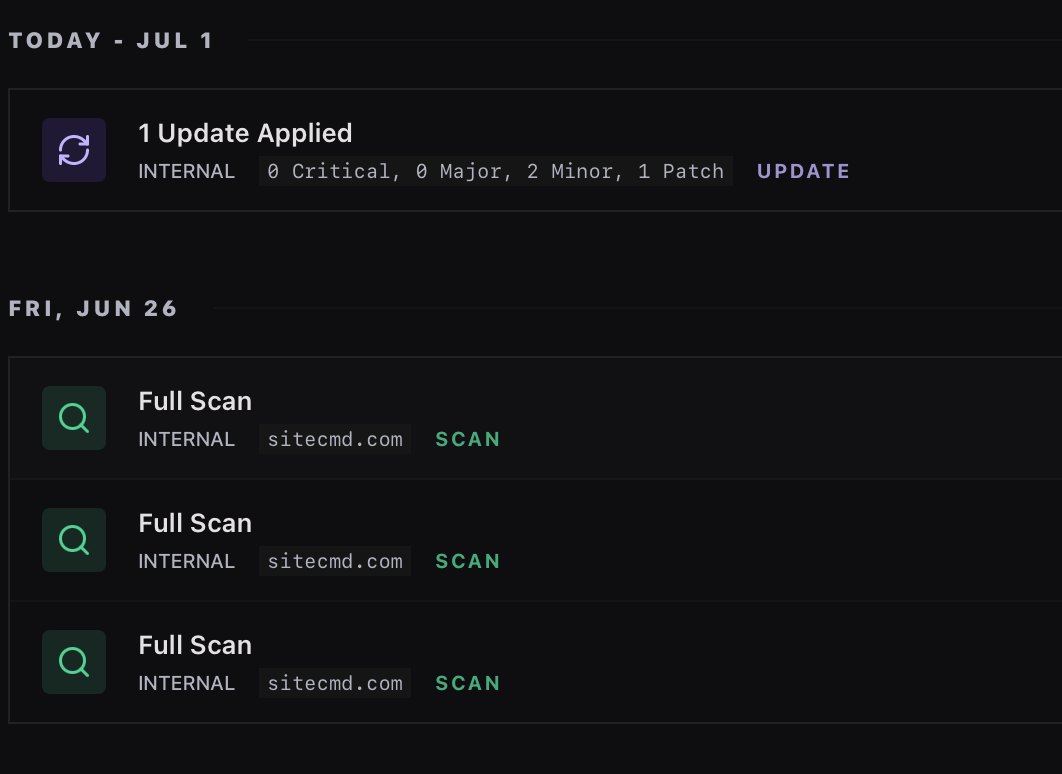
A unified feed of every scan, deploy, uptime incident, and anomaly across the project, day by day.
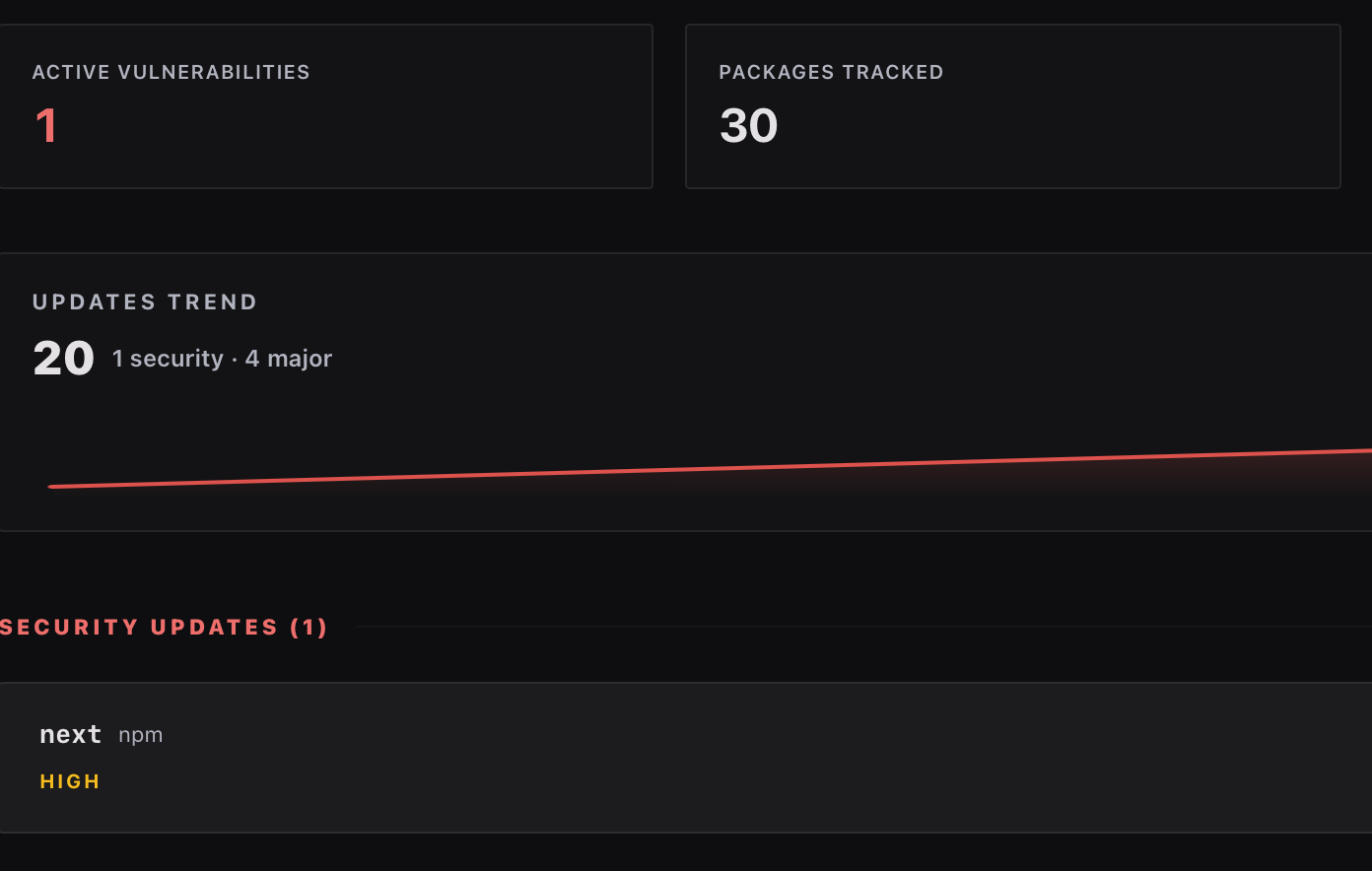
Pending dependency updates across npm, pip, composer, cargo, and go. Severity, breaking-change risk, and post-fix verification tracked over time.
A scan is only useful if you act on it. SiteCMD pulls every finding into one list, each with a ready-to-send fix prompt, then keeps watching so the same problem doesn't ship twice.
Every issue from Web Scan, Code Scan, and your connected tools flows into a single ranked list. The worst problems at the top, minor stuff at the bottom. Sort, filter, or group by page to clean up one area at a time.
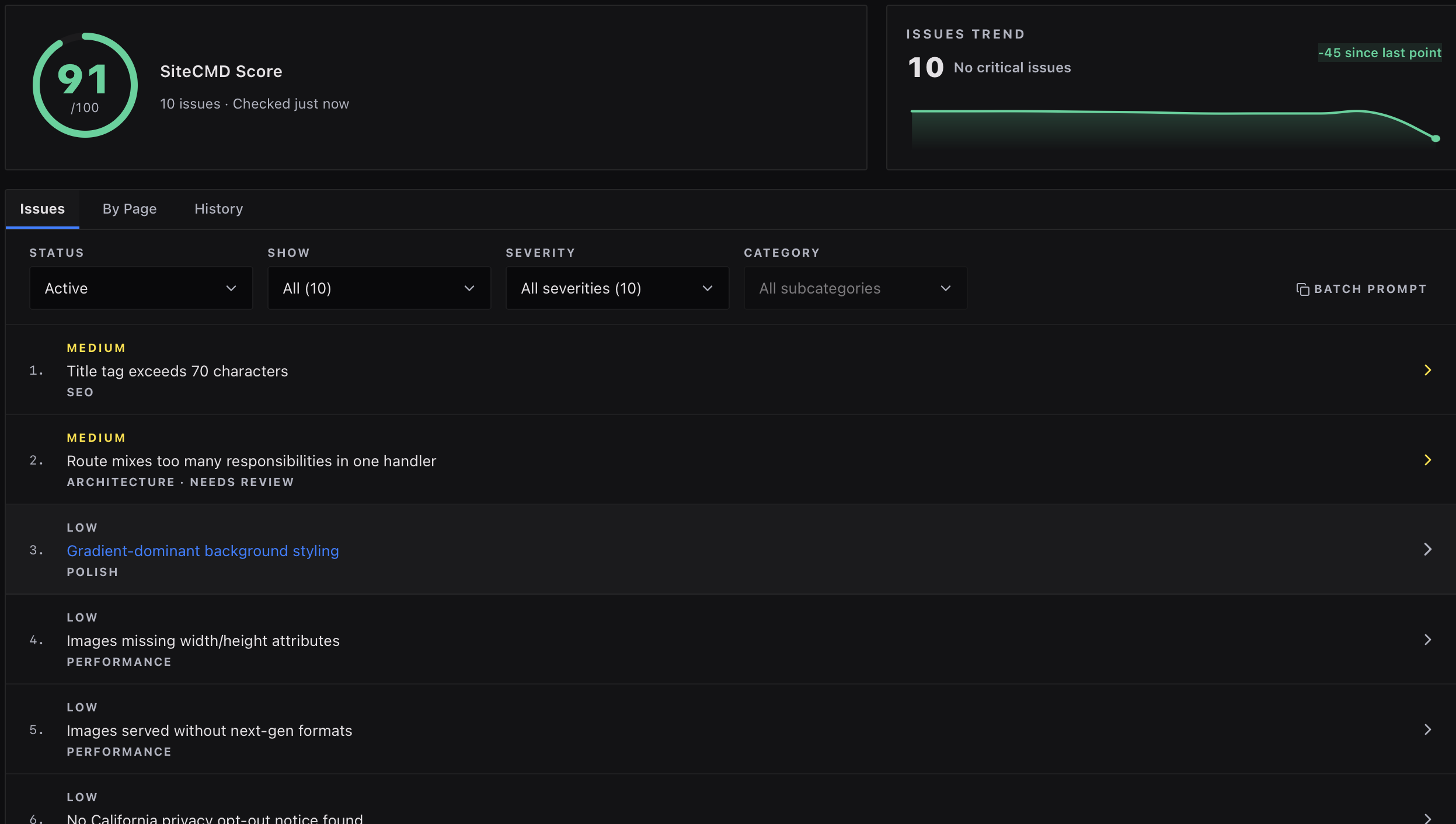
Hand the fix prompt to Cursor, Claude Code, Windsurf, or any AI editor with MCP support. Or fix it yourself. SiteCMD verifies the issue is resolved on the next scan, tracks recurrence over time, and pings you when a future deploy quietly reintroduces it.

Scanning is just the start. SiteCMD keeps every scan in your local history, diffs new scans against old ones, exports reports for stakeholders and pipelines, and rolls everything up across every site you manage.
Every scan stored locally with its findings. Sort and filter by date, severity, or category to see exactly what changed and when.
Diff any two scans side by side. See which issues appeared, which got fixed, and which regressed between them.
Generate PDF reports for stakeholders or JSON exports for downstream pipelines. A custom builder shapes the report for client deliverables.
Manage every site you own from one workspace. The Sites overview rolls up health, issues, and recent activity across the whole portfolio.
When traffic drops or rankings slip, the symptom shows up in one tool and the cause hides in another. SiteCMD pulls signals from the services you already use and correlates them against its own scan findings, so symptom and cause sit side by side.

Deploy history, CI status, and PR context.

Edge cache, threat events, and bandwidth.

Privacy-first traffic and top pages.

GA4 sessions and source breakdown.

Clicks, impressions, and ranking shifts.

Visibility and crawl data.

Lighthouse lab metrics and real-user CrUX data.

Availability and incident history.

Issue ownership and follow-ups.

Coming soon: pull your CodeRabbit review findings into the unified list.

Coming soon: surface your Semgrep AppSec findings alongside SiteCMD's own scan.
The desktop app is the primary command center, but the same engine reaches further: an MCP server your AI editor can query today, and a standalone CLI for terminals and CI on the way.
For Cursor, Claude Code, Windsurf, and any other MCP-compatible editor.
Built-in MCP server exposes scan results, issue data, and fix prompts to AI coding agents. Your editor stops guessing because it can actually read what's broken and where. The fix it writes is grounded in real findings, not vibes.
For your terminal and your CI.
Coming soon: a standalone binary that runs the full scan engine without the desktop app. Drop it into GitHub Actions, fail builds on severity thresholds, output JSON for downstream gates, or run a focused scan from staging in your terminal.
Your scans, your credentials, and your source code stay on your machine. There's no SiteCMD cloud to upload them to and no account to create.
Tauri-based, runs natively on macOS, Windows, and Linux. Tiny binary, no Electron weight.
API keys and OAuth tokens live in your system keychain, encrypted by your OS. They're never stored in a database file.
Scan history, code findings, dossiers, and pulled-in integration data live in a SQLite file on your machine. Back it up like any other file.
License checks and app updates are minimal. Optional usage analytics and crash reports only run if you opt in from the desktop app.
See every network call SiteCMD makes, and how to verify it yourself